

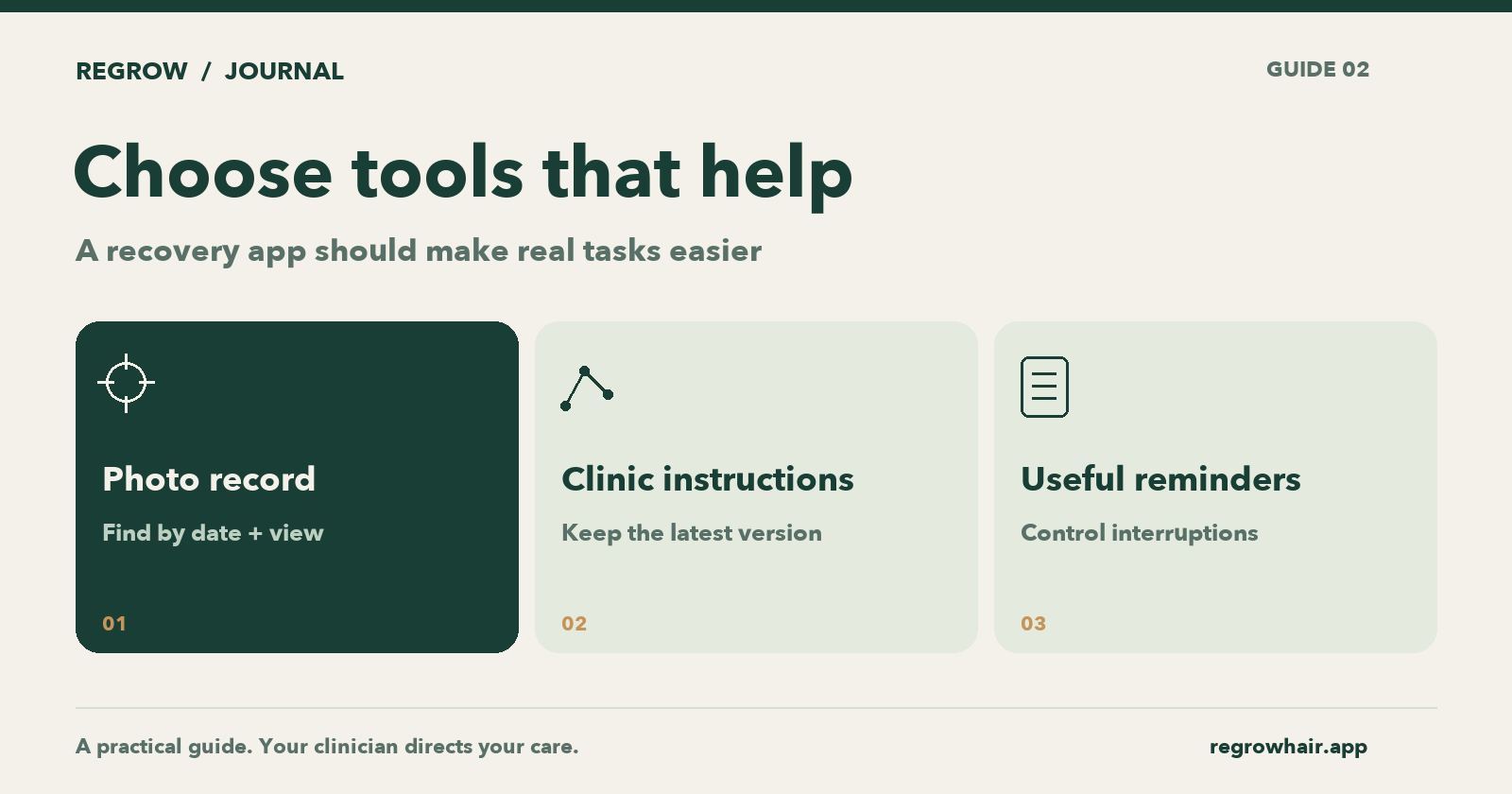
Original Regrow editorial diagram. All meaningful guidance is also available in the article text.
The most useful hair transplant app is the one that makes your next task easier: finding the right aftercare instruction, taking a comparable photo, or remembering a follow-up. A long feature list matters less than whether you can do those things when you are tired or worried.
Regrow publishes this guide and makes a recovery app. This is a transparent buying-and-usage checklist, not an independent ranking of competing products. A phone camera and a calendar may already cover some of your needs.
Decide which problem you want to solve
Write down the thing you keep doing manually. Perhaps you search a chat for a PDF, lose scalp photos among family pictures, or forget which recovery day an older image belongs to. Choose your tool around that problem.
For a simple record: a dated photo album may be enough. You will need to supply your own consistent naming and angles.
For appointments: your phone calendar may be enough. Put the clinic’s contact details in the event so you do not have to find them separately.
For a connected recovery record: a dedicated app can bring dates, photos and education together. Check that it does the specific job you need rather than assuming every “hair growth” app is designed for transplant recovery.
Run a five-minute practical test
Before relying on any app, try these tasks with non-sensitive information:
Find where you would enter the operation date. Can it be corrected if you make a mistake?
Find an older photo by date and angle. Would you understand the record in six months?
Locate the clinic instructions. Can you distinguish those from general educational content?
Find the notification controls. Can you keep useful reminders without unnecessary interruptions?
Find the privacy information and any paid options before committing to them.
Do not award points for an attractive screen if the task remains awkward. One successfully completed workflow tells you more than ten promised features.
Know what Regrow is designed to do
Regrow supports a dated photo diary, matching-angle comparisons, recovery education and keeping clinic instructions accessible. You can add existing recovery photos to the appropriate dates. Its purpose is organisation and self-tracking; it does not diagnose your scalp, measure graft survival or promise a result.
The core patient features are free. Secure Backup is optional; check the app for availability, renewal terms and local pricing. Account requirements depend on the features you use. See Regrow’s current download information.
Those limits matter. An app that helps you prepare a clear clinic question is useful even when it cannot answer that question medically.
Check privacy as a workflow
Read where photos are stored, what changes when backup is enabled, and what happens when you deliberately share something. Check deletion and export options for the features you intend to use. “Private” should be explained through actions and settings, not left as an unexplained badge.
Regrow’s Privacy Policy describes its handling of information. Review it before uploading or sharing sensitive material. Your chosen clinic may use a separate communication system with different policies.
The American Academy of Dermatology recommends asking your dermatologist how to send clinical photographs securely. A convenient share button does not establish that a recipient or channel is appropriate. AAD: taking and sending photographs.
Set up a small routine you can maintain
Pick one place for your recovery record. Add the date of surgery, keep the latest clinic instructions accessible, and decide how you will label photos. Ask the clinic when it wants updates; do not assume more notifications mean better care.
After a week, review the friction. If the system helps you find information quickly, keep it. If it produces constant checking without helping you communicate, simplify it.
Try Regrow for free, then test it against the tasks above. You should be able to judge its usefulness for yourself.
Published by Regrow, the app maker. AI-assisted research and writing. Product guide, not an independent app award or medical advice.
- App guides
- Hair transplant
Regrow provides general education and self-tracking. It is not a medical device and does not provide diagnosis, treatment or medical advice. This article has not been reviewed by a clinician. Your clinic's instructions always come first.